

Showing posts with label tweak network. Show all posts
Showing posts with label tweak network. Show all posts
Thursday, April 24, 2014

Wednesday, April 02, 2014
How To Fix Internet Connection Problem (Troubleshooting)
This Guide for Windows Users. (Beginner/Advanced)
The Internet is a global system of interconnected computer networks that use the standard Internet protocol suite to serve several billion users. Common problems may occur without notice. So as the user, we should know some basic and tools needed to fix it.

Tuesday, March 18, 2014
Hyper Terminal For Windows 7 (Real HT Download)
(For Advance User or Networking Related)

HyperTerminal is known to configure devices (Cisco and more) like PuTTY but only available in Windows XP while Windows 7 it had been removed. So this is rip off directly from Windows XP so that you (Windows 7 Users) can use the Hyper Terminal like the good old days.
Wednesday, February 12, 2014
How To Change MAC Address Easily (Windows)
What is MAC address? Mac address is a physical serial number and every networking devices include your personal computer has a MAC address. MAC address also can give out other user on your network about your computer name and some info like computer model, network card type, and your Internet Protocal (IP) address. For more info : Google yourself..
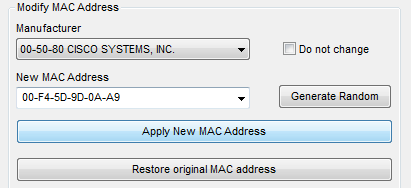
Mac Address Changer
Tuesday, December 17, 2013
How To Fix Logon Failure Account Currently Disabled (Windows XP)
This tutorial will teach you how to troubleshoot the sharing problem between Windows XP to Windows 7 or Windows 8. Example : Windows XP cannot access Windows 7, cannot access printers, shared folder, logon failure or disabled.

Thursday, December 12, 2013
How to Check Computer Security Score
Check your computer security score easily using this software, this software will determine all sectors in your computer (Networking, Security, File Sharing, Backup, Management)

Thursday, December 12, 2013
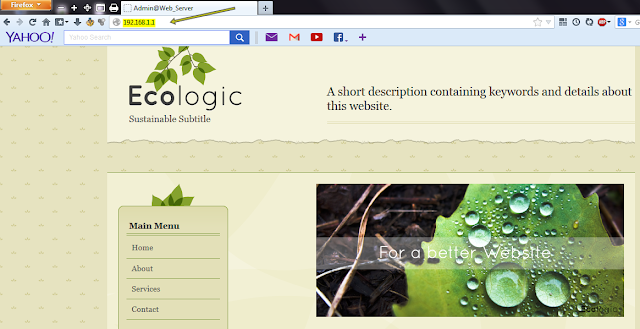
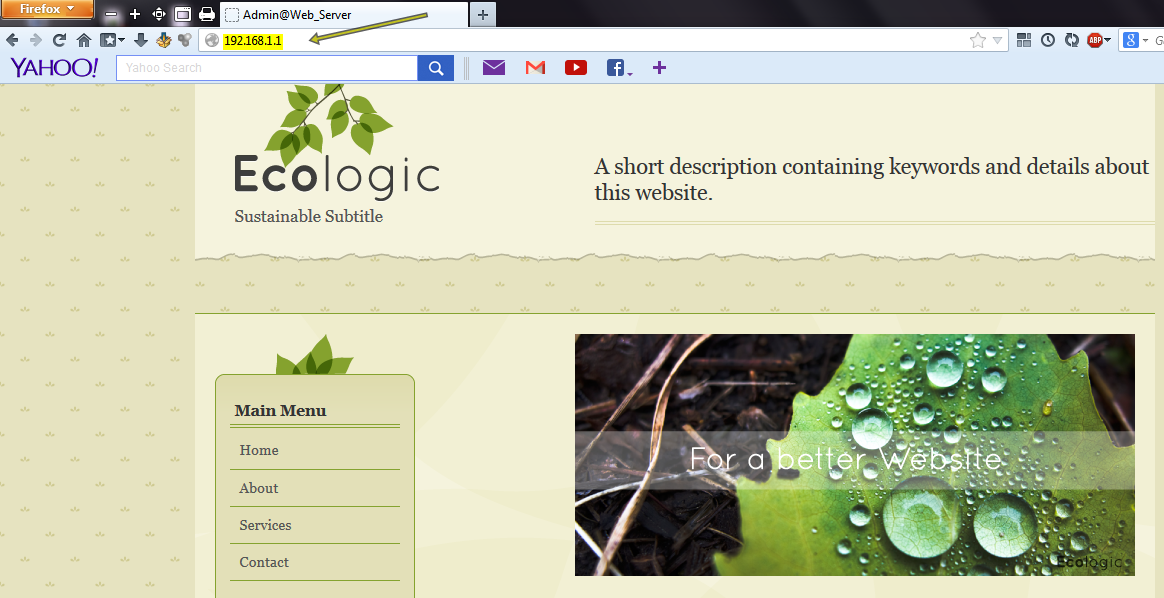
How To Create Local Web Server in Windows 8/8.1
Introducing the first in a series of simple to use yet powerful servers! This webserver is so easy to use, about the only thing you need to know how to do is drag and drop files, then just click on the 'Start' button, and your webserver is up and running.

Thursday, December 12, 2013
How To Create Local Web Server in Windows 7
Introducing the first in a series of simple
to use yet powerful servers! This webserver is so easy to use, about the
only thing you need to know how to do is drag and drop files, then just
click on the 'Start' button, and your webserver is up and running.
Monday, December 09, 2013
How To Create Local FTP Server in Windows 8/8.1 (FileZilla)
Create a local FTP server in your Windows 8 or Windows 8.1 easily, so you can share files in your local network.
Technically you can use basic transfer setting but you won't have ftp:// : [Network Sharing]

Sunday, December 08, 2013
How To Create Local FTP Server in Windows 7 (FileZilla)
Create a local FTP server in your Windows 7 easily, so you can share files in your local network.
Technically you can use basic transfer setting but you won't have ftp:// : [Network Sharing]

Sunday, December 08, 2013
How To Install FileZilla Server in Windows
Easy tutorial (with pictures) how to install FileZilla Server in your Windows computer. Works with Windows 7/8/8.1

Link 1 : [MEGA]
Link 2 : [Dropbox]
Link 3 : [Google Drive]
Saturday, November 23, 2013
How To Know if Somebody Using WiFi and Detect the MAC Address

Wednesday, April 24, 2013
How to Make Internet Speed Faster (20%+)
Before you proceed, please make sure if anything occurs kindly restore to original setting.
Before you start barking here, let me remind you that you cannot upgrade your internet speed by doing this, this tutorial only kill bandwidth reserved and system idle networking usage in your computer so your computer can get the FULL SPEED from your DSL/ISP.
1. Open Network and Sharing Center and click on Change adapter settings.

Subscribe to:
Posts (Atom)